Official AP Portal
EC and CC Services
Stamp Duty Payment
Slot Booking
What is the IGRS AP Portal?
The IGRS AP portal is the official online platform of the Andhra Pradesh Registration and Stamps Department. It is accessible at registration.ap.gov.in and serves as the single point of access for all property registration and land record services in Andhra Pradesh.
IGRS stands for Inspector General of Registration and Stamps. The department manages property registrations, encumbrance certificates, market value records, stamp duty collection, and certified copy issuance across all districts of Andhra Pradesh.
Before this portal existed, citizens had to visit government offices for every service. Today most tasks can be started or completed entirely online saving significant time and travel.
Some services on the IGRS AP portal are available to everyone without login. Others require a free registered account. Understanding which is which helps you navigate the portal faster.
Complete List of IGRS AP Portal Services
Here is every major service available through the IGRS AP portal along with what each one does:
| Service | What It Does | Login Required |
|---|---|---|
| EC Search | Search and view Encumbrance Certificate online | No |
| Signed EC Download | Download digitally signed EC accepted by banks | Yes |
| Market Value / Unit Rate | Check government fixed land value for any village | No |
| Slot Booking | Book appointment at sub-registrar office online | Yes |
| Stamp Duty Payment | Pay stamp duty and registration fee online | Yes |
| Certified Copy (CC) | Apply for certified copy of registered documents | Yes |
| e-Search | Search registered documents by party name or number | No |
| Document Status | Track status of registered or pending documents | Yes |
| Property Valuation | Submit and track property valuation requests | Yes |
| Adangal / ROR | View land passbook and record of rights online | No |
Services Available Without Login on IGRS AP Portal
These services can be used by anyone — no account needed:
- EC Search — Search and view the Encumbrance Certificate for any property in AP by entering district, SRO, village, and survey number. Full EC search guide here.
- Market Value / Basic Rates — Check the government fixed unit rate for land in any village, mandal, or district. Full market value guide here.
- e-Search — Search registered documents using party name, document number, or property details without logging in.
- AP Adangal / ROR — View land passbook, crop details, and record of rights for agricultural land in AP. Full Adangal guide here.
Services That Require IGRS AP Login
For these services you need a free registered account at registration.ap.gov.in:
- Signed EC Download — Download a digitally signed Encumbrance Certificate accepted by banks, courts, and financial institutions. Full download guide here.
- Registration Slot Booking — Book your appointment at the sub-registrar office and select a date and time. Full registration guide here.
- Stamp Duty e-Payment — Pay stamp duty, transfer duty, and registration fee online before your appointment. Full stamp duty guide here.
- Certified Copy Application — Apply for a certified copy of any registered document from the comfort of your home.
- Document Status Tracking — Track the current status of your pending or completed registration documents.
Creating an IGRS AP login account is completely free, takes under two minutes, and only requires your mobile number and email address.
How to Access the IGRS AP Portal Step by Step
Open the Official Portal
Open your browser and go to registration.ap.gov.in. This is the only official IGRS AP portal. Always verify the URL before entering personal details. Avoid third-party sites that mimic the portal design.
Choose the Service You Need
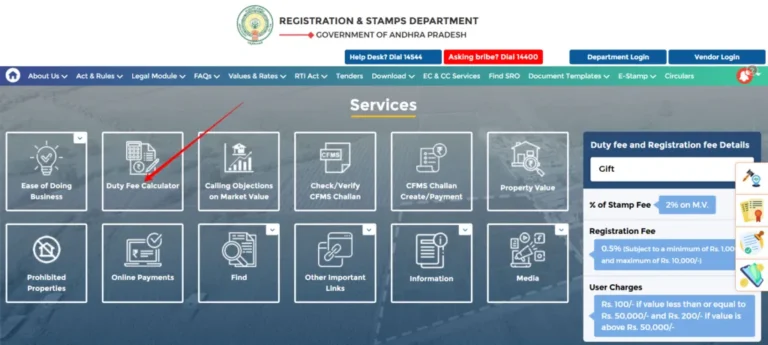
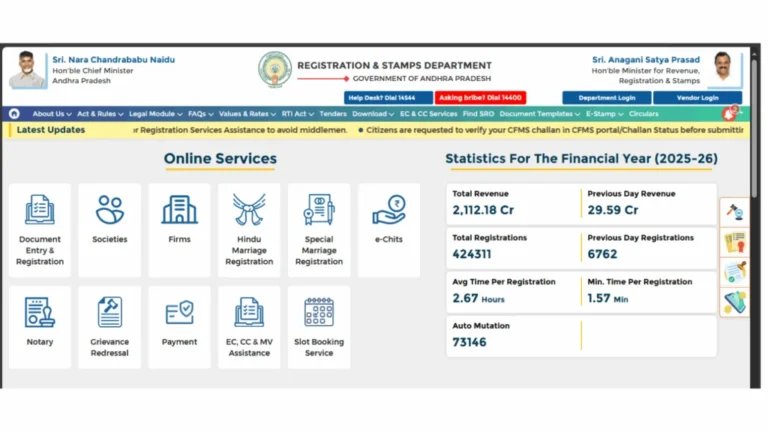
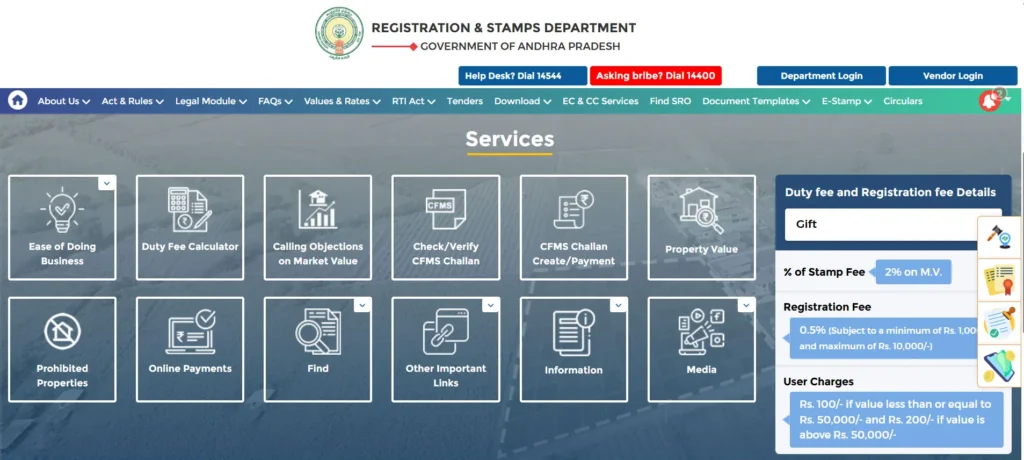
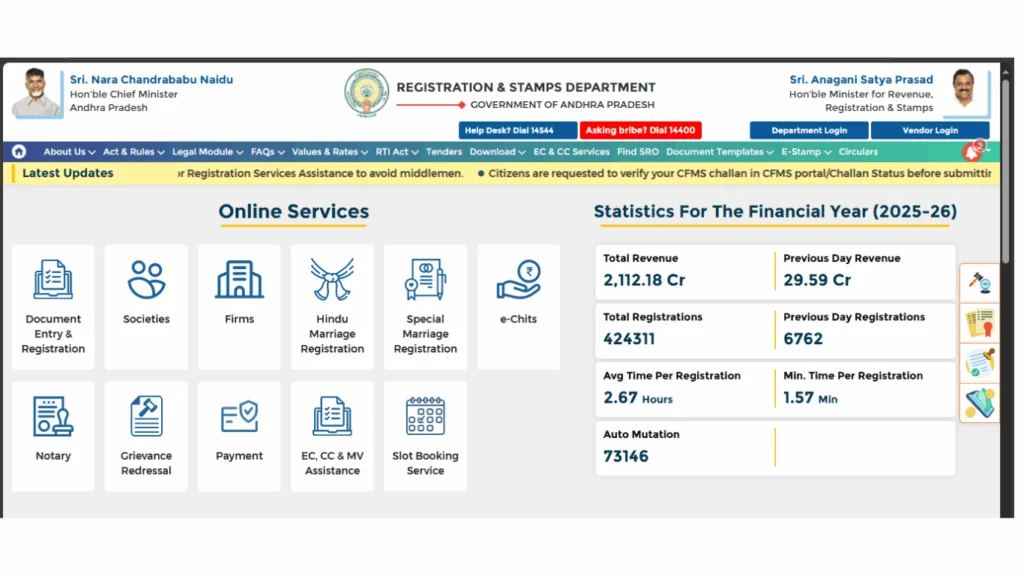
The homepage displays the main service categories. For EC search or market value checks, you can begin immediately without login. For slot booking, stamp duty payment, or signed EC download, click Login first.
Log In or Register if Required
If the service requires a login, enter your registered mobile number or email and password. New users can register in under two minutes using mobile OTP verification. See the full IGRS AP login guide for step-by-step instructions.
Use the Service and Save Your Output
Complete the required fields for your chosen service. Always download or print the output EC, challan, booking confirmation, or certified copy — immediately after generation. Outputs may expire or become unavailable if the session closes.
IGRS AP Portal Service-Wise Quick Guide
Here is a quick overview of what each major service does and who uses it:
An EC lists all transactions registered against a property sales, mortgages, gifts, and more. It confirms whether a property has any outstanding loans or legal claims. Banks require a signed EC before approving home loans. Buyers check it before purchasing property. Search EC online here.
The market value section shows the government-fixed price per square yard for land in any village in AP. This value is the basis for stamp duty calculation. Anyone buying, selling, or inheriting property uses this to estimate registration costs. Check market value here.
Book your sub-registrar office appointment online, enter buyer and seller details, and pay stamp duty before visiting. Physical presence is still required on the appointment day for biometric verification. Full registration guide here.
Pay stamp duty, transfer duty, and registration fee online before your appointment. The portal calculates the exact amount based on the property value and document type you enter. Full stamp duty guide here.
A certified copy is an official duplicate of a registered document issued by the Registration Department. It is required when the original document is lost, damaged, or when a second copy is needed for legal or financial purposes. Apply through the portal after login.
Adangal is the land passbook for agricultural land in AP. It shows ownership details, crop information, water source, and land classification. Farmers and landowners use it to verify land details and apply for government schemes. Full Adangal guide here.
Common Issues on the IGRS AP Portal and How to Fix Them
IGRS AP Portal Contact and Helpdesk
For technical issues, payment disputes, or service-related queries, contact the IGRS AP helpdesk through these official channels:
| Contact Type | Details |
|---|---|
| Helpdesk Phone | 0855-4556300 |
| Official Portal | registration.ap.gov.in |
| Office Hours | Monday to Saturday — 10:00 AM to 5:00 PM |
| Sub-Registrar Office | Visit the office with jurisdiction over your property location for in-person assistance |
📚 Related Guides You May Find Helpful
- IGRS AP Login 2026 — Create your free account to access all portal services that require registration.
- EC Online AP 2026 — Search the Encumbrance Certificate for any property in Andhra Pradesh without login.
- IGRS AP Market Value 2026 — Check government fixed land and property value for any village in AP.
- IGRS AP Registration 2026 — Book your slot and register property at the AP sub-registrar office.
- IGRS AP Stamp Duty 2026 — Check applicable rates and pay stamp duty online before registration.
Frequently Asked Questions
Summary
The IGRS AP portal at registration.ap.gov.in is the complete online solution for all property registration and land record services in Andhra Pradesh. From checking EC and market value without login to booking registration slots and paying stamp duty with a free account every step of the property process is available online. If you face any issue, the IGRS AP helpdesk is available during office hours to assist.