Free Account
2 Minute Setup
Signed EC Access
Mobile Friendly
What is IGRS AP Login and Why Do You Need It?
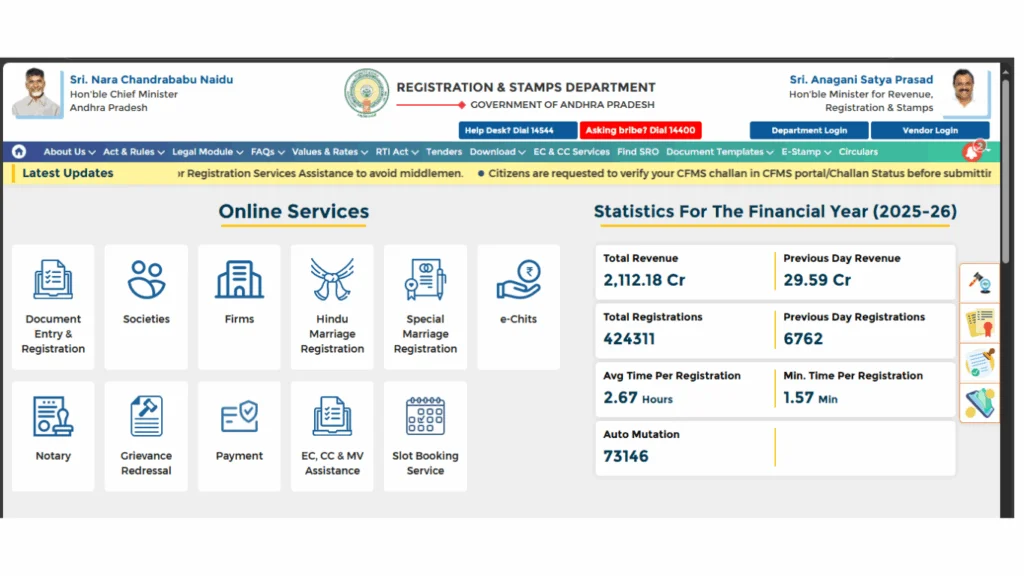
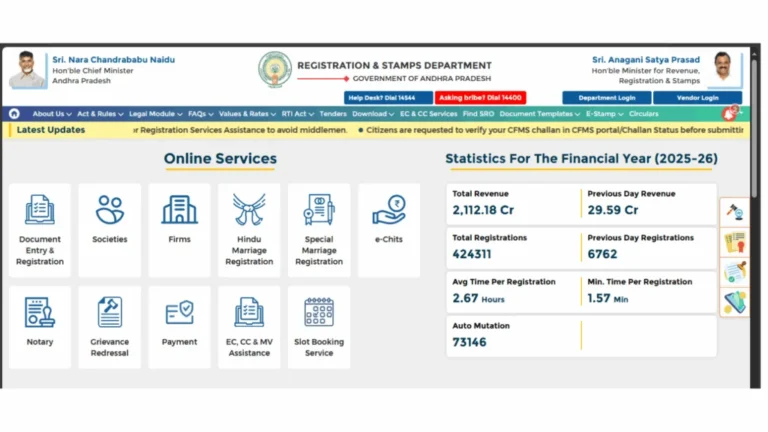
The IGRS AP login is your personal access to the official Andhra Pradesh Registration and Stamps Department portal at registration.ap.gov.in. This portal handles all property registration and land record services for citizens across Andhra Pradesh.
Basic services like searching an EC online in AP or viewing market value do not require a login. However, for important services like downloading a digitally signed Encumbrance Certificate, booking a registration appointment, or paying stamp duty online, you must have a registered account.
Creating an IGRS AP login account is completely free. It takes less than two minutes and only requires your mobile number, email, and name.
Services You Can Access After IGRS AP Login
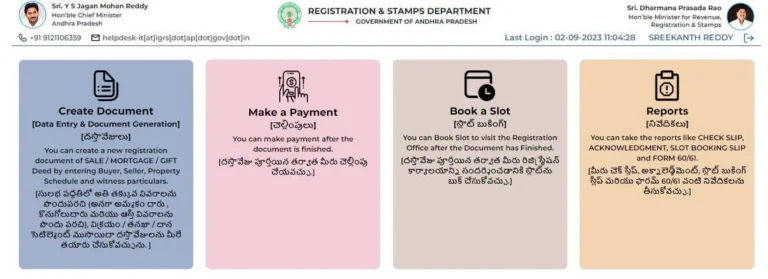
A registered IGRS AP account unlocks several services that are not available to guest users:
- Download digitally signed Encumbrance Certificate accepted by banks and courts
- Book appointments for property registration at sub-registrar offices
- View and track your previously registered documents
- Apply for certified copies of registered documents
- Access stamp duty payment and challan services online
- Submit property valuation requests and check their status
What You Need Before Starting Registration
No documents need to be uploaded. Just keep these details ready:
- Active mobile number OTP will be sent here
- Valid email address for account confirmation
- Your full name as on Aadhaar or government ID
- A strong password with letters and numbers
How to Create Your IGRS AP Login Account Step by Step
Open the Official IGRS AP Portal
Open your browser and go to registration.ap.gov.in. This is the only official government portal for AP registration services. Always check the URL before entering any personal details to avoid fake sites.
Click on New User Registration
On the homepage click the Login button in the top right corner. Below the login form you will see a New User? Register Here link. Click on it to open the new user registration page.
Fill in Your Personal Details
Fill in the registration form carefully with these details:
| Field | What to Enter |
|---|---|
| Full Name | As it appears on your Aadhaar or ID |
| Mobile Number | Active number — OTP will be sent here |
| Email Address | Valid email for account confirmation |
| Password | Strong password with letters and numbers |
Verify Your Mobile Number with OTP
Click Send OTP after filling the form.
A one-time password will arrive on your mobile. Enter it in the box provided within the time shown on screen. If the OTP does not arrive in 60 seconds, click Resend OTP.
Submit and Activate Your Account
Once OTP is verified, click Submit. Your IGRS AP login account is now active. You will also receive a confirmation on your registered email. You can now log in and access all portal services.
How to Login to IGRS AP Portal After Registration
Go to the Login Page
Visit registration.ap.gov.in and click the Login button on the top right of the homepage.
Enter Your Registered Credentials
Enter your registered Mobile Number or Email Address and your password. Enter the captcha if displayed and click Login to proceed.
Access Your Dashboard
After a successful IGRS AP login you will be taken to your account dashboard. From here you can download signed EC, book appointments, track documents, and use all other available services.
Forgot IGRS AP Login Password How to Reset It
If you cannot remember your password, resetting it takes less than a minute. Follow these steps:
- Go to registration.ap.gov.in and click Login
- Click Forgot Password below the login form
- Enter your registered mobile number or email address
- An OTP will be sent to your registered mobile number
- Enter the OTP and set your new password
- Log in again using your new password
Important: Make sure your registered mobile number is active when resetting the password. If you have changed your number, visit the nearest sub-registrar office with a valid ID to update your account details before resetting.
What to Do After IGRS AP Login First Steps
Once your IGRS AP login is active, here is what most users do first:
| Task | Where to Find It |
|---|---|
| Download Signed EC | EC and CC Services → Signed EC Download |
| Book Registration Appointment | Registration Services → Slot Booking |
| Pay Stamp Duty Online | e-Payment → Stamp Duty Payment |
| Get Certified Document Copy | Certified Copy Services → Apply |
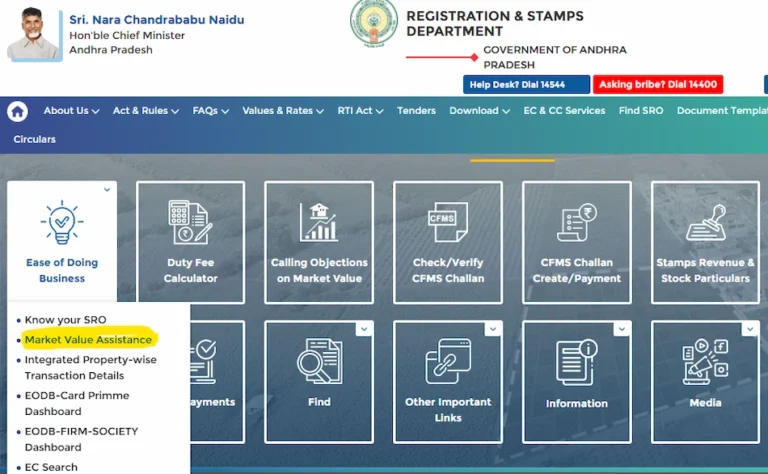
If you need to check the IGRS AP market value of your property before registering, that can be done without login directly from the homepage.
Common Problems During IGRS AP Login and Registration
📚 Related Guides You May Find Helpful
- EC Online AP 2026 — Search and view Encumbrance Certificate on IGRS AP portal for free without login.
- EC Download Andhra Pradesh — Download digitally signed EC from IGRS AP after login.
- IGRS AP Market Value 2026 — Check government fixed land and property value for any village in AP.
Frequently Asked Questions
Summary Statement
Setting up your IGRS AP login takes less than two minutes and gives you full access to Andhra Pradesh property services from anywhere. Whether you need a digitally signed EC for your bank, want to book a registration slot, or track your documents, your free account is the starting point for everything. If you face any trouble during login or registration, reach out to the IGRS AP helpdesk directly.
[…] to registration.ap.gov.in and log in to your account. If you do not have one yet, create a free IGRS AP login account before proceeding slot booking is only available to registered […]
[…] in to your IGRS AP login account at registration.ap.gov.in and navigate to the e-Payment section from the dashboard. If you have not […]
[…] property buyers, and sellers cannot use vendor login. If you are a citizen, use the standard IGRS AP citizen login to access slot booking, EC download, and other public […]
[…] IGRS AP Login Account — A registered citizen account at registration.ap.gov.in is mandatory. Create your free account here. […]