Completely Free
Instant Result
No Login Needed
Plots & Apartments
IGRS AP Deed Details: What Is the List of Transactions?
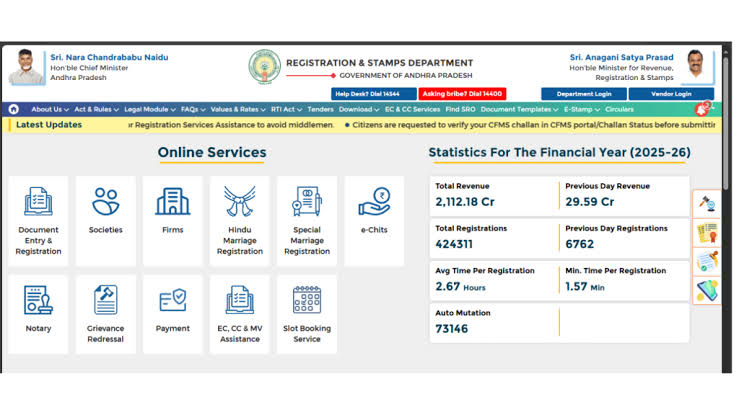
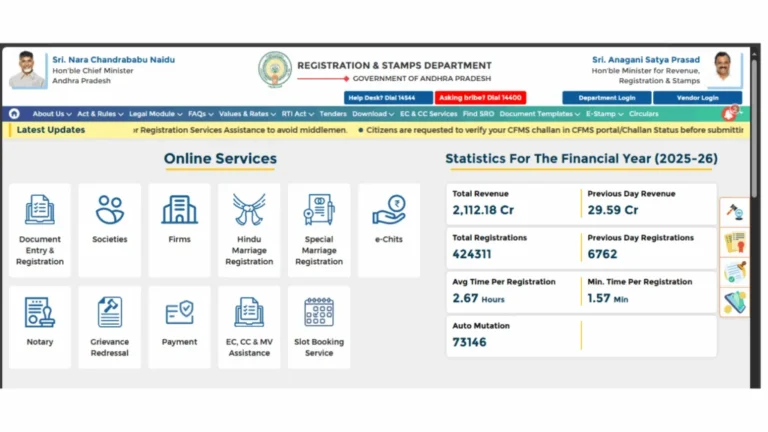
IGRS AP Deed Details is a free online service provided by the Andhra Pradesh Registration and Stamps Department. Before paying for an Encumbrance Certificate or a Certified Copy, you can use this tool to check whether a property transaction has been registered and view basic deed information. and it is available on registration.ap.gov.in.
It is not a certificate and it is not proof of title. It simply confirms that a deed matching the details you entered exists in the department’s database, and shows a few basic facts about it. Most buyers use it to sanity-check a seller’s claims, or to find the exact document number they need before applying for an Encumbrance Certificate or a Certified Copy.
- Deed Details / List of Transactions – A free, instant lookup that confirms whether a deed was registered and shows basic facts about it. No login or fee required.
- Encumbrance Certificate (EC) – A formal, fee-based certificate listing every registered transaction on a property over a chosen period. Needed for loans and resale.
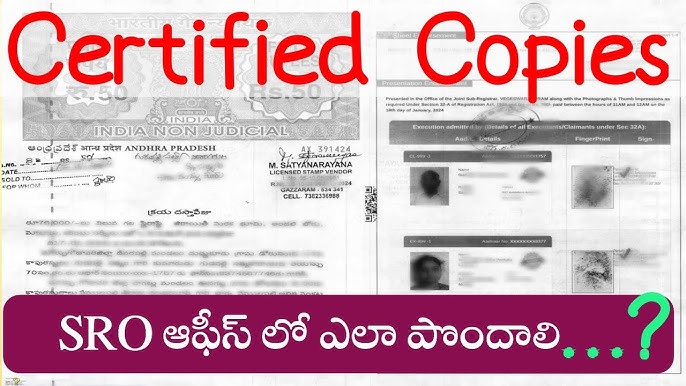
- Certified Copy (CC) – A government-attested copy of the full registered document itself, not just a summary of the transaction.
How to Search Igrs AP Deed Details by Survey Number (Plot)
Open the Deed Details Page
Go to registration.ap.gov.in and open the Deed Details / List of Transactions option, usually listed alongside the EC and CC services on the homepage. No account or login is needed for this step.
Select Registration Data Type as “Plot”
From the dropdown, choose Plot rather than Document Number or Apartment. This tells the system you want to search by land/survey details instead of an existing document reference.
Choose District, Mandal and Village
Narrow the search to the exact location of the property using the three cascading dropdowns. This is the same location data used on the property search and market value lookups, so keep it consistent if you are cross-checking against those tools.
Enter the Survey Number and Submit
Type in the survey number and plot number, then click Submit. If the plot sits inside a layout with several survey numbers, you can enter them in any order – the portal’s own help text confirms this explicitly. Matching registered transactions will appear on screen instantly.
How to Search Deed Details for an Apartment or Flat
If the property is a flat rather than an open plot, the process is nearly identical, but a couple of fields change:
- Select Apartment instead of Plot, then choose the District, Mandal and Village as before.
- Type the Apartment Name carefully. The portal’s own validation notes that the first word of the apartment name is spell-sensitive, so a small typo can return zero results even for a real building.
- Enter the Flat Number and House/Door Number, then submit to view the registered transactions tied to that specific unit.
Already Have a Document Number? Search That Way Instead
If the seller has already shared a registered document number, skip the location-based search entirely – it is faster and more precise:
- Select Document Number as the registration data type on the Deed Details page.
- Enter the Document Number, the Year of Registration, and select the correct Sub-Registrar Office (SRO) where it was filed.
- Submit to instantly confirm the document is genuine and pull up its basic registration details.
What Information Does the Deed Details Result Show?
| Field | What It Tells You |
|---|---|
| Document Number & Year | The official reference you would quote for an EC or Certified Copy request |
| Nature of Document | Whether it was a Sale Deed, Gift Deed, Mortgage, Lease, or similar |
| Executant (EX) | The party who transferred or sold the property |
| Claimant (CL) | The party who received or bought the property |
| SRO Office | The Sub-Registrar Office where the deed is officially held |
Deed Details vs Encumbrance Certificate – Which One Do You Need?
| Aspect | Deed Details | Signed EC |
|---|---|---|
| Fee | Free | ₹200 (up to 30 years) or ₹500 (beyond 30 years) |
| Login Required | No | Yes, via CARD PRIMME account |
| Output | On-screen summary of one transaction | Digitally signed PDF covering a chosen period |
| Best For | Quick verification before you commit to a paid request | Loan approval, resale, and legal proof of clear title |
If you ultimately need a bank-acceptable document, a Deed Details search will not be enough on its own – you will still need to apply for a Signed EC and check its application status once submitted.
Common Search Problems and Fixes
Double-check the District, Mandal and Village selections first – a wrong village is the most common cause. Also confirm the property has actually been registered since 1983, the earliest year covered online.
The first word of the apartment name is spell-sensitive on this form. Try the exact spelling used in the original sale deed, including common abbreviations like “Apts” versus “Apartments.”
If your plot falls under a layout with several survey numbers, list all of them – the order does not matter, but leaving one out can cause the search to miss your transaction.
📚 Related Guides You May Find Helpful
- EC Online AP 2026 – Full guide to searching and applying for an Encumbrance Certificate.
- EC Status Check AP – Track a Signed EC application after you submit it.
- IGRS AP Certified Copy – Get a government-attested copy of the full registered document.
- IGRS AP Property Search – Find survey number and property details before you search.
- IGRS AP Login – Create or recover your portal account for paid services.
Frequently Asked Questions
Summary
Deed Details, also called List of Transactions, is the IGRS AP portal’s free way to verify a property transaction before you commit to a paid Encumbrance Certificate or Certified Copy. Search by survey number for plots, by apartment name and flat number for flats, or by document number if you already have one. No login or fee is involved at any step.